
Signa
Custom app icons that stay.
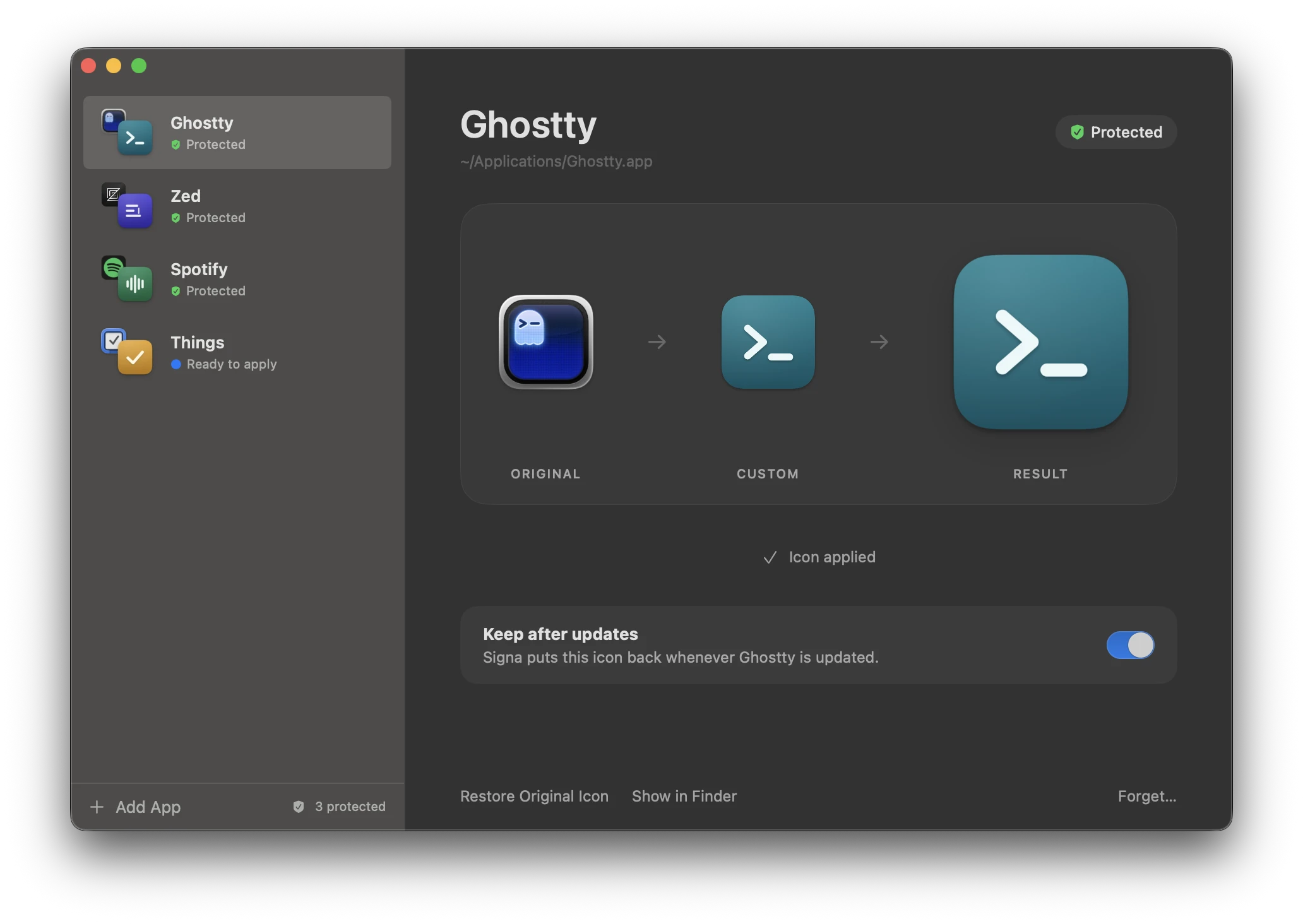
App updates put the original icon back. Signa remembers the one you chose and quietly restores it.
- Version 1.0.1
- macOS 14 or later
- Apple silicon
The problem
Updates undo your icons.
A custom icon lives inside the app. When the app updates, the whole app is replaced, and your icon goes with it.
-

You change an app’s icon.
-

It looks the way you want.
-
The app updates.
-
Your icon is gone.Signa puts it back.
How it works
Personalize once.
-
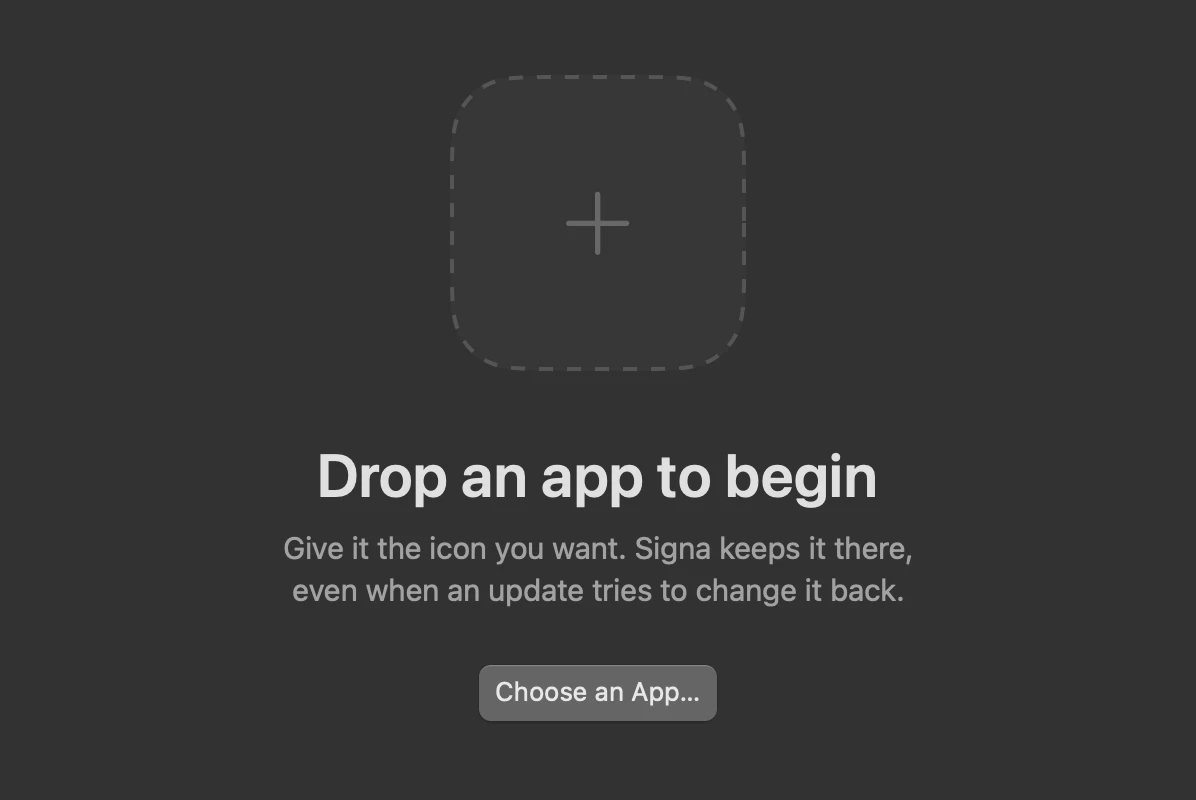
Choose an app
Drag it into the window.
-
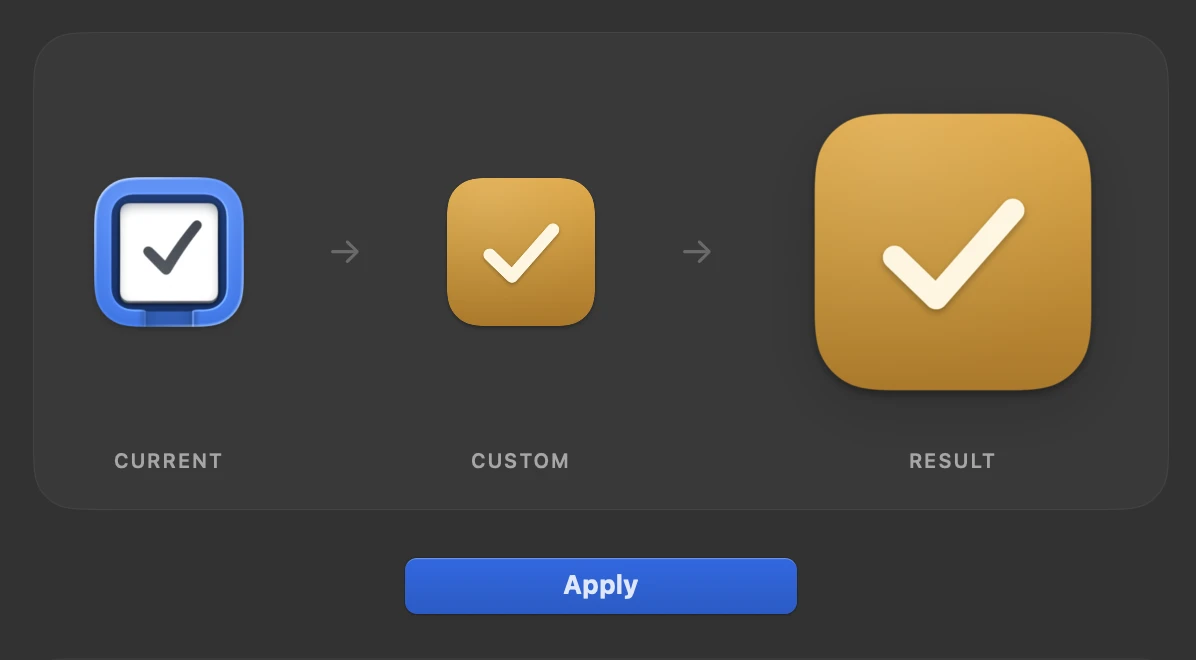
Choose an icon
Drop any image. Signa turns it into a proper Mac icon.
-
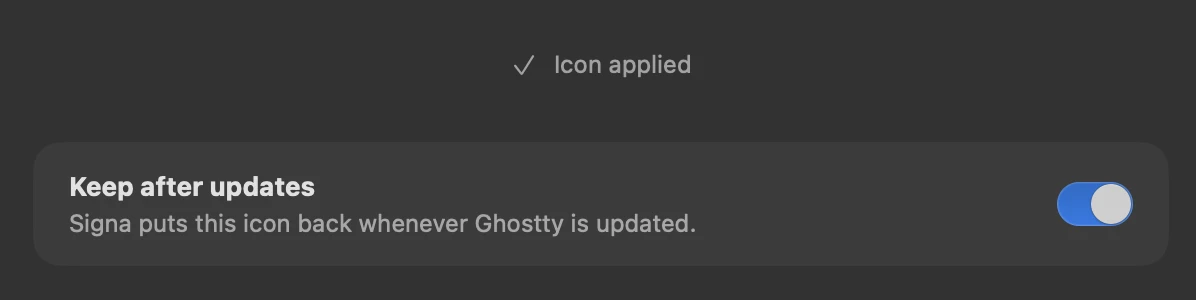
Signa keeps it
After every update, the icon goes back on by itself.
Built for macOS
A small app that stays out of the way.
Signa is written in Swift and SwiftUI and changes icons the same way Finder does. It never touches what is inside your apps.
It does not check on a timer. macOS tells it when one of your apps has changed, and until then it does nothing at all.
- Made with
- Swift and SwiftUI
- Size
- 2.8 MB
- While idle
- No processor use
- Depends on
- Nothing but macOS
Download Signa
- Version 1.0.1
- macOS 14 or later
- Apple silicon